
How do I repay my loan
How do I repay my loan
Online via E-Wallet
Cash via the counter
Cash Deposit Machine
DirectPay
Cash via the counter
Cash Deposit Machine
Cash via the counter
Bank online
Bank online
Bank online
Online via E-Wallet
Payment Options
Paying via Pay&Go App
Make payment via Pay&Go App
To make the payment please log in your Pay&Go App account
Requisites
Please use the following requisites when make payment via Pay&Go App
Send a screenshot of validated slip
Please make sure you took a screenshot of validated slip from your Pay&Go App
Detailed instruction
Enter payment details into Pay&Go App
Please use the following details to make the payment:
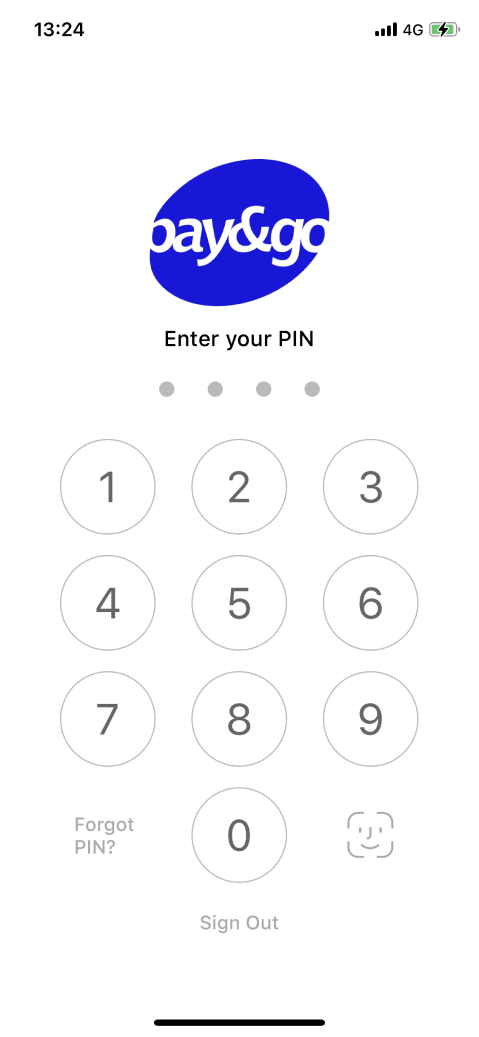
1. Open your Pay&Go App
2. Go to the Finance section

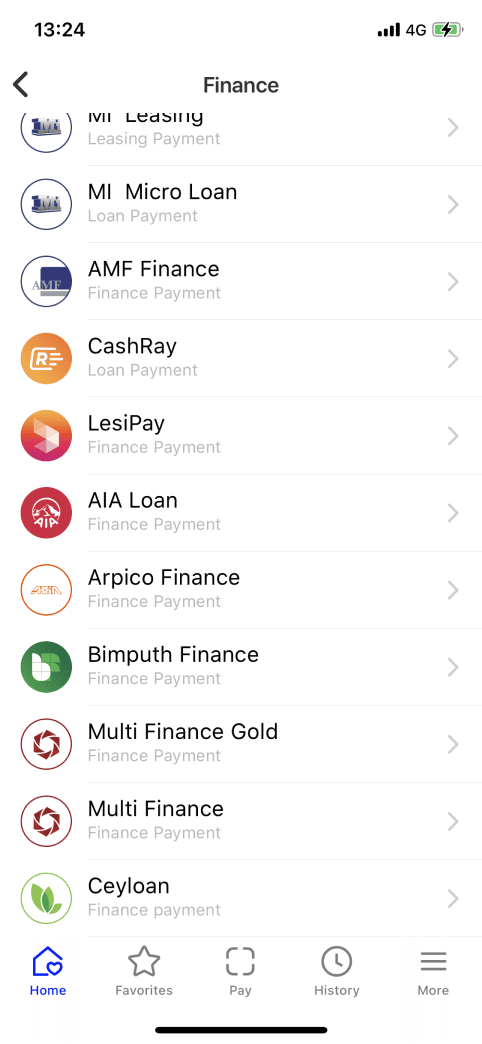
3. Find "Ceyloan" icon
Scroll down list and find Ceyloan section
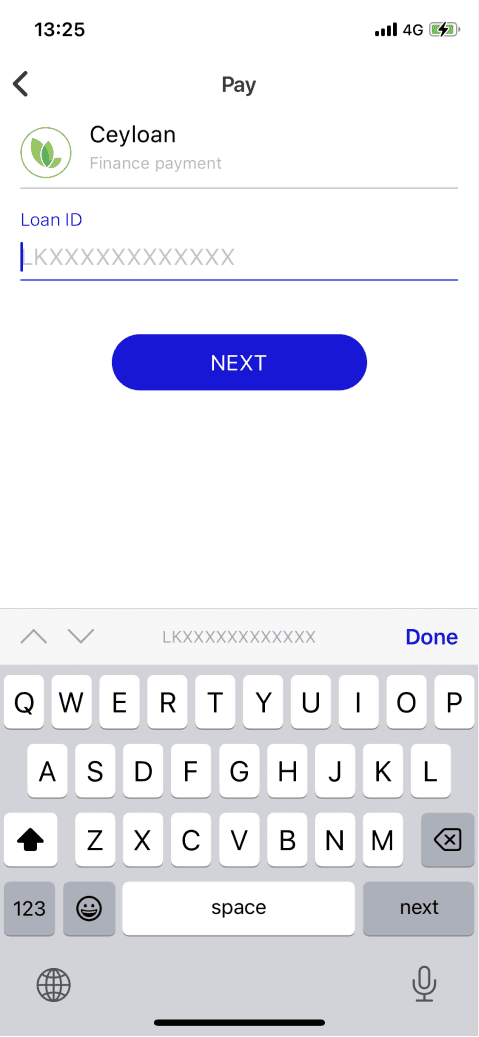
4. Enter loan agreement number
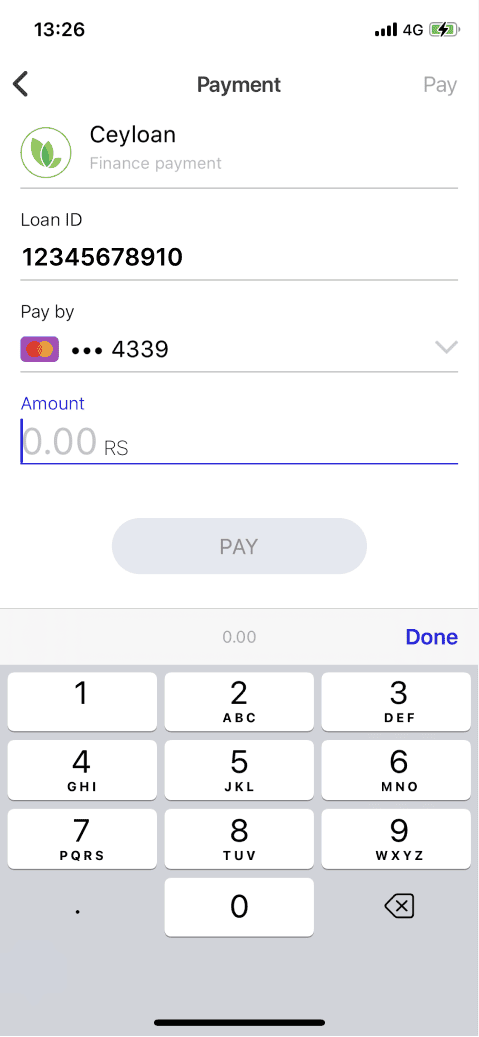
5. Enter Amount
As communicated to you earlier via sms, or in CeyLoan mobile App
6. Check all filled data
Check all data on the screen, if correct - press "Pay"
Make screenshot of success page
Make sure, you took a screenshot of the success payment page