How do I repay my loan
How do I repay my loan
Online via E-Wallet
Cash via the counter
Cash Deposit Machine
DirectPay
Cash via the counter
Cash Deposit Machine
Cash via the counter
Bank online
Bank online
Bank online
Online via E-Wallet
Payment Options
Paying at a CDM (Sampath bank)
Locate nearest CDM
Locate one of the CDM of Sampath Bank and make a payment
Requisites
Please use the following requisites to make the payment
Send a photo of validated slip
Make sure you collect the validated bank slip and keep it for your records. Also make sure you took a photo of validated slip.
Detailed instruction
Enter payment details into the machine
Please follow the CDM screens below to make a payment
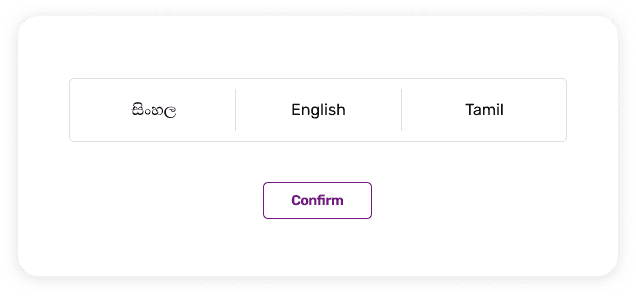
1. Please select the language
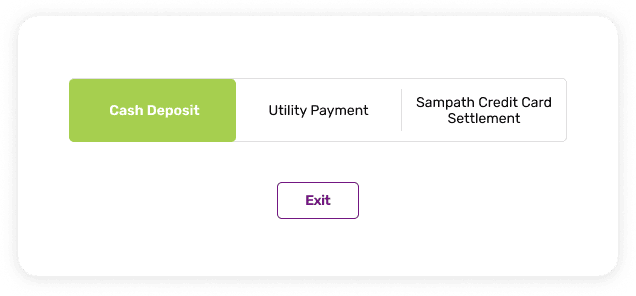
2. Select “CASH DEPOSIT”
3. Enter your 10-digit mobile number
4. Enter you N.I.C number
5. Enter Ceyloan's bank account number as
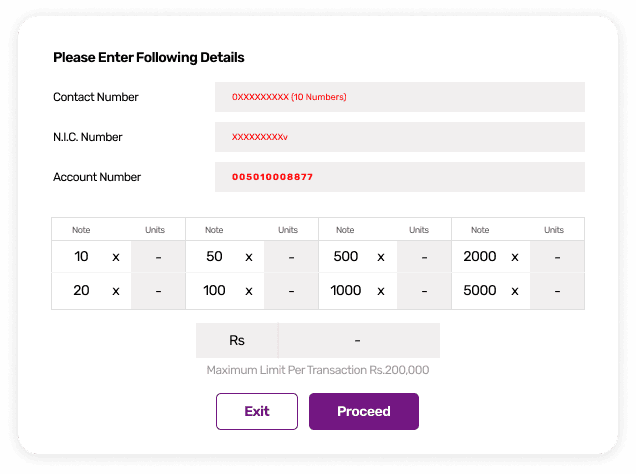
6. Make sure the account name is automatically displayed as
“CEYLONTECH LANKA (PVT) LIMITED”
7. Enter your 10-digit loan agreement number as “REFERENCE NO”
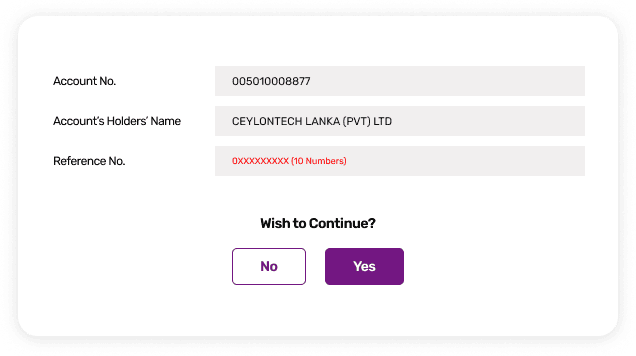
8. Place cash notes into deposit tray.
(Only Rs. 100 and higher cash notes can be used)
9. The amount you deposited will be displayed on the screen.
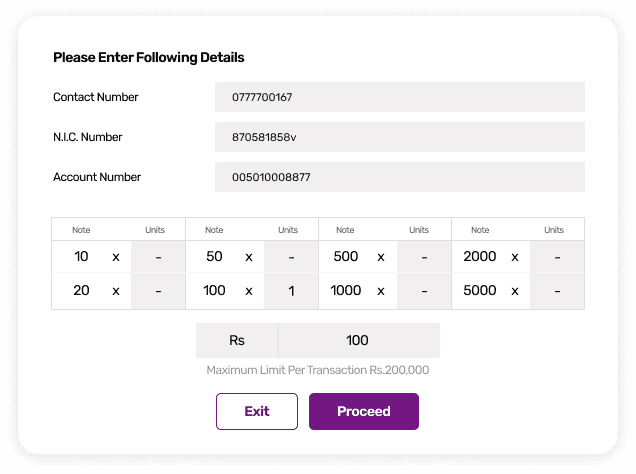
Press “Proceed” if correct
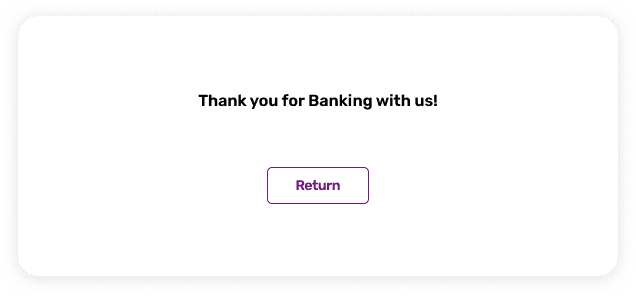
10. Take the payment receipt from the machine and keep it for your records